Ever wondered how to truly make your Roblox games stand out? Text is more than just words on a screen it is the voice of your game guiding players providing crucial information and building an immersive world. This comprehensive guide will walk you through every step of creating customizing and optimizing text in Roblox Studio ensuring your creations are clear engaging and professional. Whether you are a seasoned builder balancing your passion with a busy life or a new creator looking to level up your skills understanding text implementation is vital. We cover everything from basic TextLabels to dynamic UI elements helping you overcome common setup issues and design challenges. Learn to craft readable appealing text that enhances player experience across all devices from mobile to PC a key factor for the 87 percent of US gamers who play regularly. Optimize your game's communication and engage your audience effectively.
Related games- How Much Is A Gaming Monitor? 2026 Buyers Guide
- Guide to Roblox Trolling Avatars: Fun or Foul?
- Can You Call On Roblox Guide to Voice Chat Features
- Guide to Roblox Belt Essentials 2026
- Guide to Roblox Doors Toys: Collect Play Enjoy
1. How do I put words on the screen in my Roblox game? 2. What's the best way to make text readable on different devices? 3. Can I change the font and color of the text in Roblox Studio? 4. How do I make text change dynamically, like a score or a timer? 5. What are common mistakes to avoid when adding text to my Roblox UI?
How do I get started adding basic text to my game in Roblox Studio?
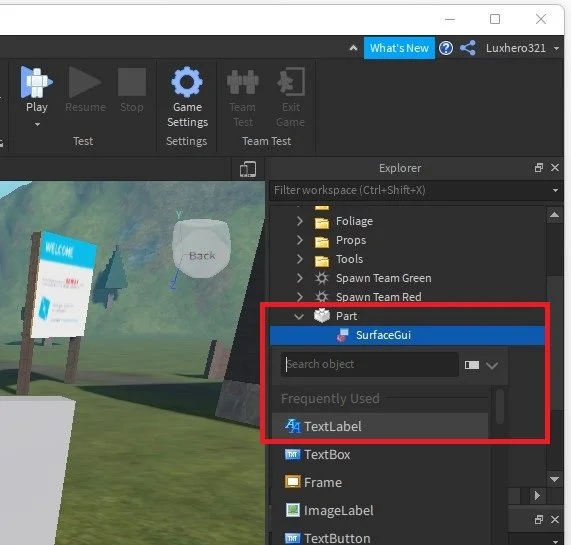
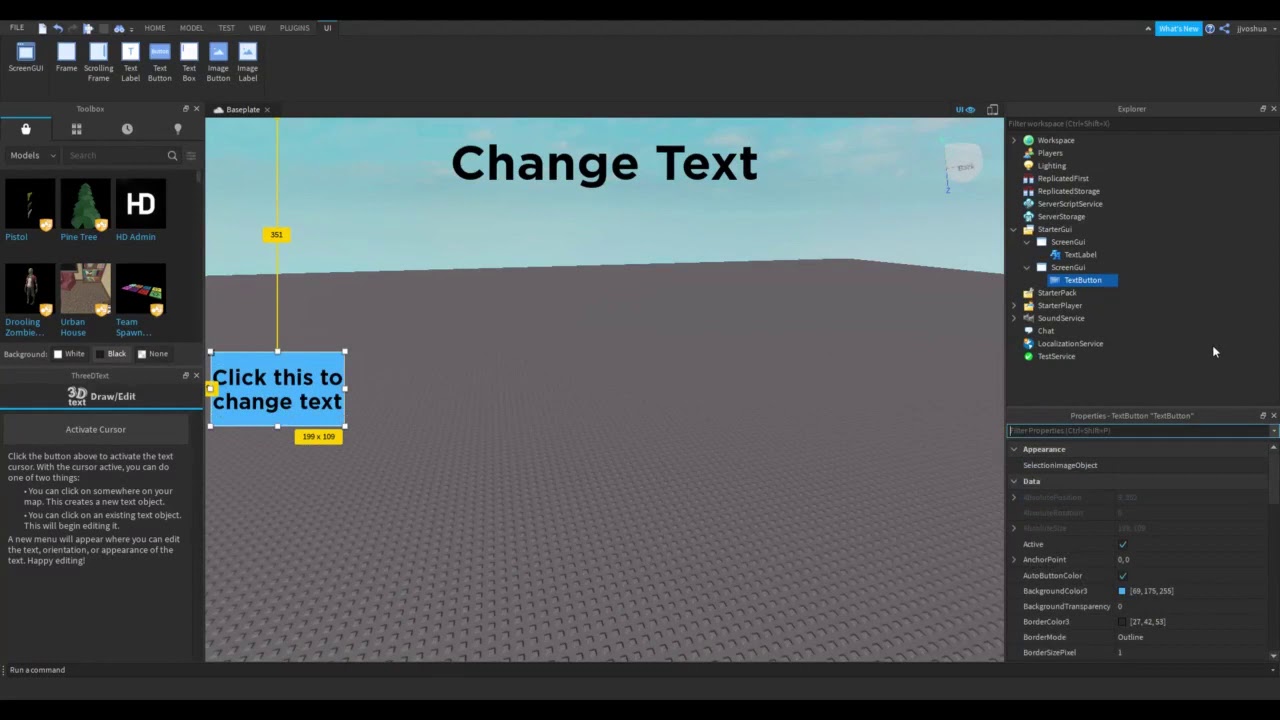
To begin, open Roblox Studio and navigate to the Explorer window. Right-click on 'StarterGui' and insert a 'ScreenGui'. Inside this ScreenGui, click the plus icon and select 'TextLabel' for static text, 'TextButton' for interactive text, or 'TextBox' for player input. Position and size your new UI element using the properties window or by dragging it in the 3D viewport. This fundamental step is where all text-based UI creation begins.
What's the trick to making sure my text looks good on both PC and mobile?
The key to cross-device text readability lies in using the 'TextScaled' property. Select your TextLabel TextButton or TextBox and in the Properties window, check the 'TextScaled' box to true. This automatically adjusts the text size to fit within the UI element's boundaries, regardless of screen resolution. Additionally, ensure your UI elements themselves are scaled using 'Scale' rather than 'Offset' in their Size property for consistent positioning.
Can I use custom fonts or advanced text effects like outlines or gradients?
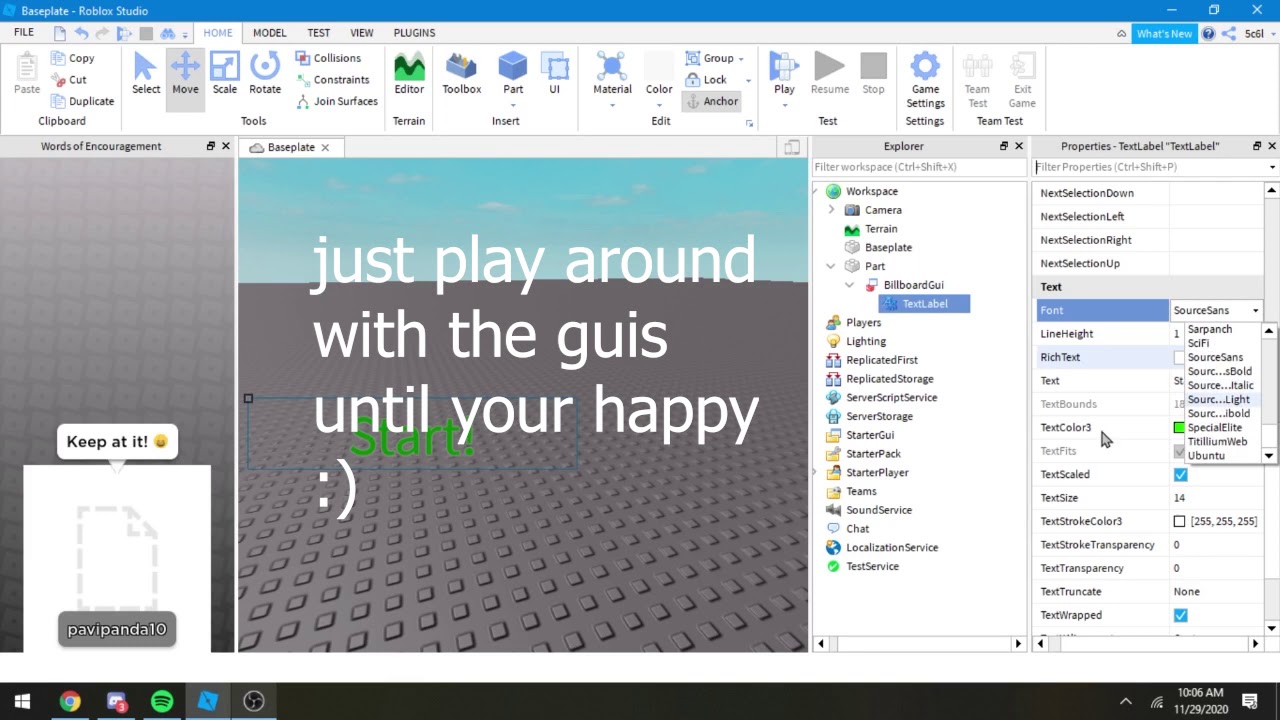
Roblox Studio provides a selection of built-in fonts that you can choose from in the TextLabel's 'Font' property. For advanced effects like outlines, utilize 'TextStrokeTransparency' and 'TextStrokeColor3'. While true custom font uploads are limited to certain developer programs, you can use 'RichText' (set this property to true) to apply bold italics or specific colors to portions of your text using simple HTML-like tags within the 'Text' property.
How do I make text update dynamically, for example, displaying a changing score or a countdown timer?
Dynamic text requires scripting, typically using a LocalScript placed within your TextLabel or its parent ScreenGui. You would write code that connects to game events or loops to update the 'Text' property of your TextLabel. For a score, you might connect to a 'Changed' event on a leaderstat value. For a timer, a simple loop with 'wait(1)' can decrement a variable and update the text every second, creating engaging real-time feedback for players.
What are some common pitfalls when designing text UI in Roblox, and how can I avoid them?
A common pitfall is poor contrast, making text hard to read against busy backgrounds. Always use 'TextColor3' and 'TextStrokeColor3' to create high contrast. Another is fixed 'TextSize' for responsive UI; always opt for 'TextScaled' with UI elements sized by 'Scale'. Overusing too many fonts or colors can make UI messy, so stick to a cohesive design. Also neglecting 'TextWrapped' can lead to cut-off words, especially on smaller screens. Test your UI on various devices regularly.
How can text be used to enhance player engagement and provide clear game feedback?
Text is a powerful tool for engagement. Use TextLabels to give players immediate feedback on actions like
Balancing a demanding job family responsibilities and still finding time for your passion in gaming or game development can feel like a constant juggle. Many of us adults, part of the 87 percent of US gamers who regularly dive into virtual worlds, cherish that relaxation and creative outlet. If you are building experiences in Roblox Studio, you know the struggle: you want your game to be immersive and professional, but setup issues or figuring out specific mechanics can eat into your precious gaming time. One of the most fundamental yet impactful elements in any Roblox game is text. It is how you communicate with players, guide them through your world, and enhance their experience. But how do you make text in Roblox Studio that truly pops and serves its purpose across all devices, from a phone to a high-end PC? This guide is designed for you, the busy gamer and creator, offering practical, no-fluff solutions to master text creation and customization in Roblox Studio.
We will cut through the complexity and provide clear steps to implement text effectively. Our goal is to empower you to build more engaging games without spending hours sifting through forums. By the end, you will have a solid understanding of how to craft dynamic, readable, and visually appealing text that elevates your Roblox creations, allowing you to maximize your limited development time and create something truly special for your players.
How To Add Basic Text Objects In Roblox Studio
Adding text is a cornerstone of any user interface. In Roblox Studio, you primarily use UI elements to display text. The simplest way to start is by inserting a ScreenGui into the StarterGui service, which ensures your UI appears on every player's screen. Inside the ScreenGui, you can then insert a TextLabel, TextButton, or TextBox depending on your needs.
A TextLabel is perfect for displaying static information like scores instructions or titles. A TextButton allows players to interact by clicking on text, triggering events in your game, while a TextBox lets players input their own text, useful for chat systems or username prompts. To insert one, navigate to the Explorer window, click the plus sign next to ScreenGui, and search for your desired text object. Once inserted, it appears in the top-left corner of your screen, ready for customization.
What Are The Different Types Of Text Elements Available
Roblox Studio offers three primary text-based UI elements, each serving a distinct purpose in your game's interface. Understanding their functions is key to designing effective and intuitive user experiences, especially considering how crucial UI is for mobile-first players who represent a significant portion of the current gaming audience.
- TextLabel: This is your go-to for displaying non-interactive text. Think health bars, game titles, instructions, or quest descriptions. It is purely informational and does not respond to player input.
- TextButton: As the name suggests, this is a button with text on it. It is interactive and can trigger scripts when clicked. Ideal for menu navigation, ability activation, or accepting game prompts.
- TextBox: This allows players to input text. Commonly used for chat inputs, password fields, or custom naming features. It is essential for games that require player-generated content or communication.
Each of these elements comes with a robust set of properties to control its appearance and behavior, offering you extensive creative freedom.
How To Customize Text Appearance And Properties For Better Readability
Customizing your text goes beyond just changing the words; it is about making it legible and visually appealing, especially important when considering varied screen sizes. In the Properties window, after selecting your text object, you will find numerous options. Here are the most impactful ones:
- Text: The actual string of characters displayed.
- Font: Choose from a wide selection of fonts to match your game's aesthetic. Options like SourceSans, Gotham, and RobloxSystemFont are popular choices, but experiment to find what fits your theme.
- TextSize: Controls the absolute size of your text. While useful, for responsive UI, TextScaled is often a better choice.
- TextColor3: Sets the color of the text.
- TextTransparency: Adjusts how transparent the text is.
- TextStrokeTransparency/TextStrokeColor3: Adds an outline to your text, which can significantly improve readability against busy backgrounds.
- TextScaled: When true, the text automatically scales to fit within the boundaries of its parent UI element, ensuring it looks good on any device without manual adjustments. This is a game-changer for cross-platform compatibility, crucial for a platform where mobile dominance is a major trend.
- TextWrapped: If true, text will wrap to the next line if it exceeds the bounds of its parent, preventing it from being cut off.
- TextXAlignment/TextYAlignment: Controls the horizontal and vertical alignment of your text (e.g., Left Center Right Top Bottom).
Experimenting with these properties is key. A good rule of thumb is to prioritize contrast and clarity. Dark text on a light background or vice versa with a subtle stroke often works best.
Making Text Dynamic With Local Scripts And Variables
Static text is fine for titles, but truly engaging games often feature dynamic text that changes based on game events or player actions. This is where scripting comes in, specifically using LocalScripts within your UI elements.
For example, to display a player's score, you would place a LocalScript inside your TextLabel. The script would then connect to a 'Changed' event of the score value (often stored in a leaderstat) and update the TextLabel's text property accordingly. Similarly, for a countdown timer, a script could repeatedly update a TextLabel's text every second.
Consider this simple example for a score:
local Player = game.Players.LocalPlayer local Score = Player:WaitForChild(
Creating basic text objects like TextLabel TextButton TextBox Customizing font size color and transparency Implementing dynamic text with scripts Handling UI scaling for various devices Using rich text for advanced effects Best practices for readability and engagement Avoiding common text design mistakes Enhancing player experience through effective text communication
35
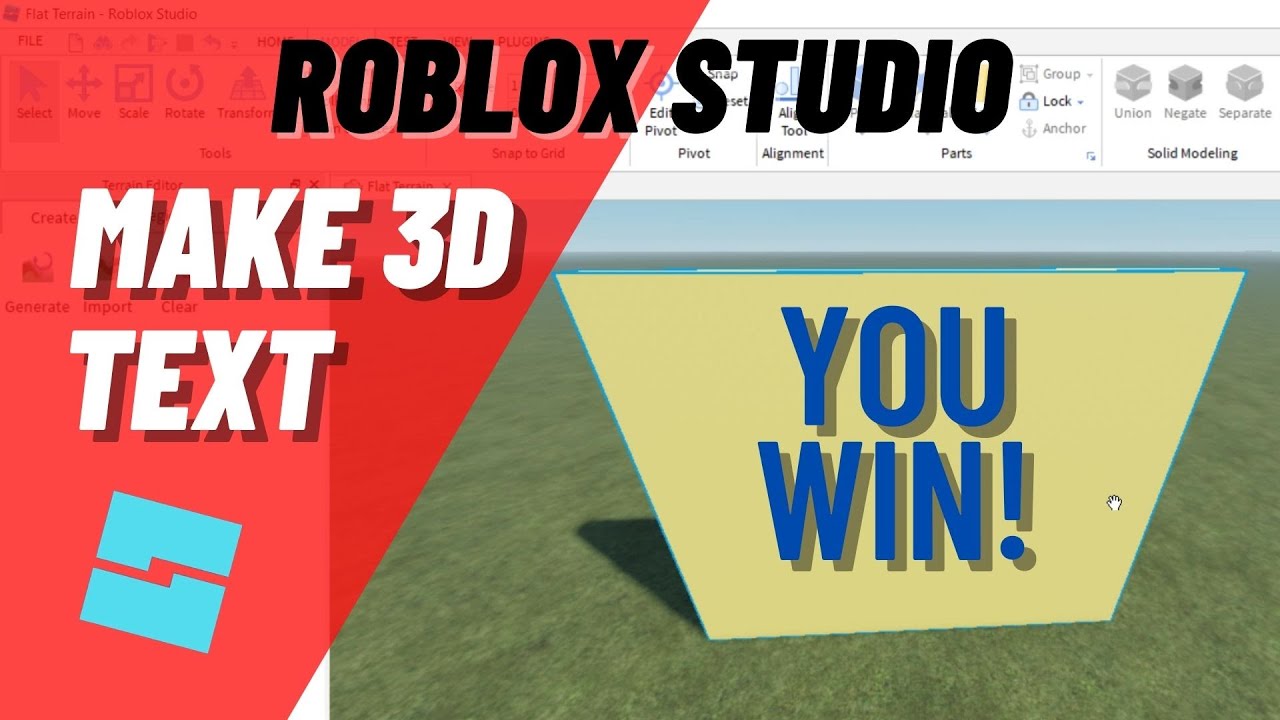


How To Edit Text In Roblox Studio Tutorial YouTube . How To Add 3D Text In Roblox Studio H Ng D N Chi Ti T T A N Z . HOW TO CREATE 3D TEXT IN ROBLOX STUDIO YouTube . How To Make 3D Text In Roblox Studio YouTube . How To Add Text In Roblox Studio 2025 YouTube
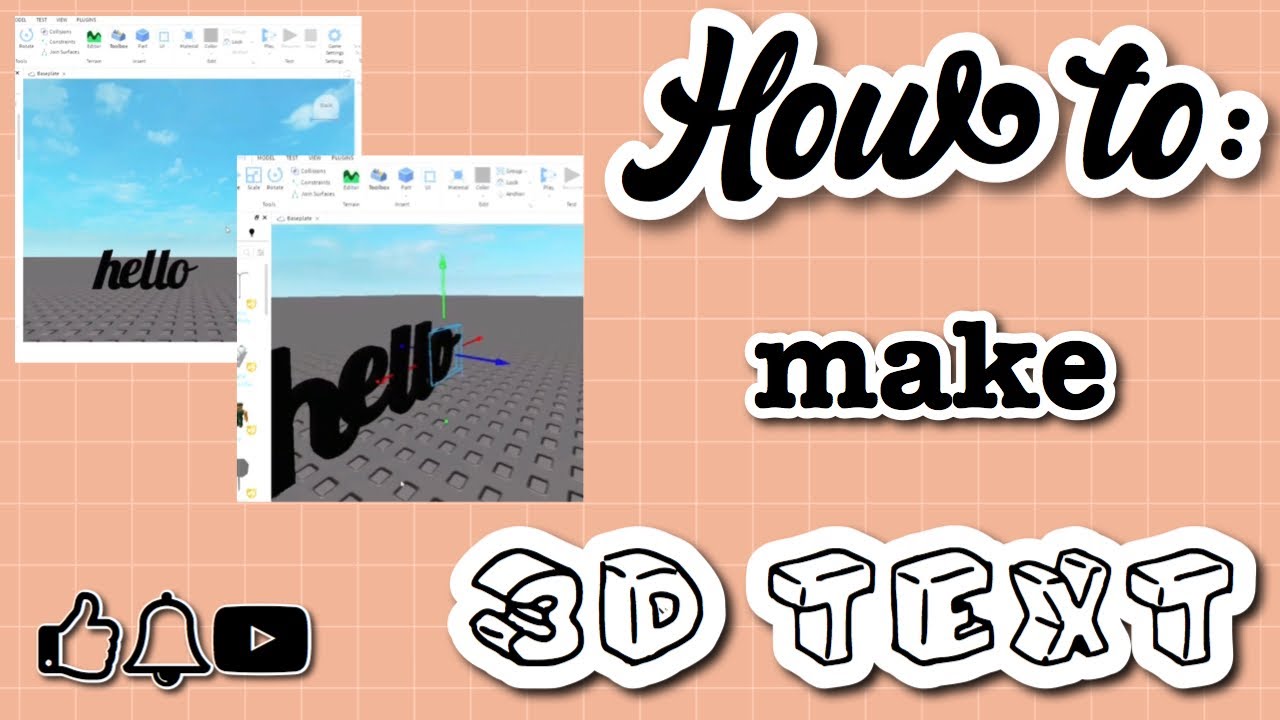
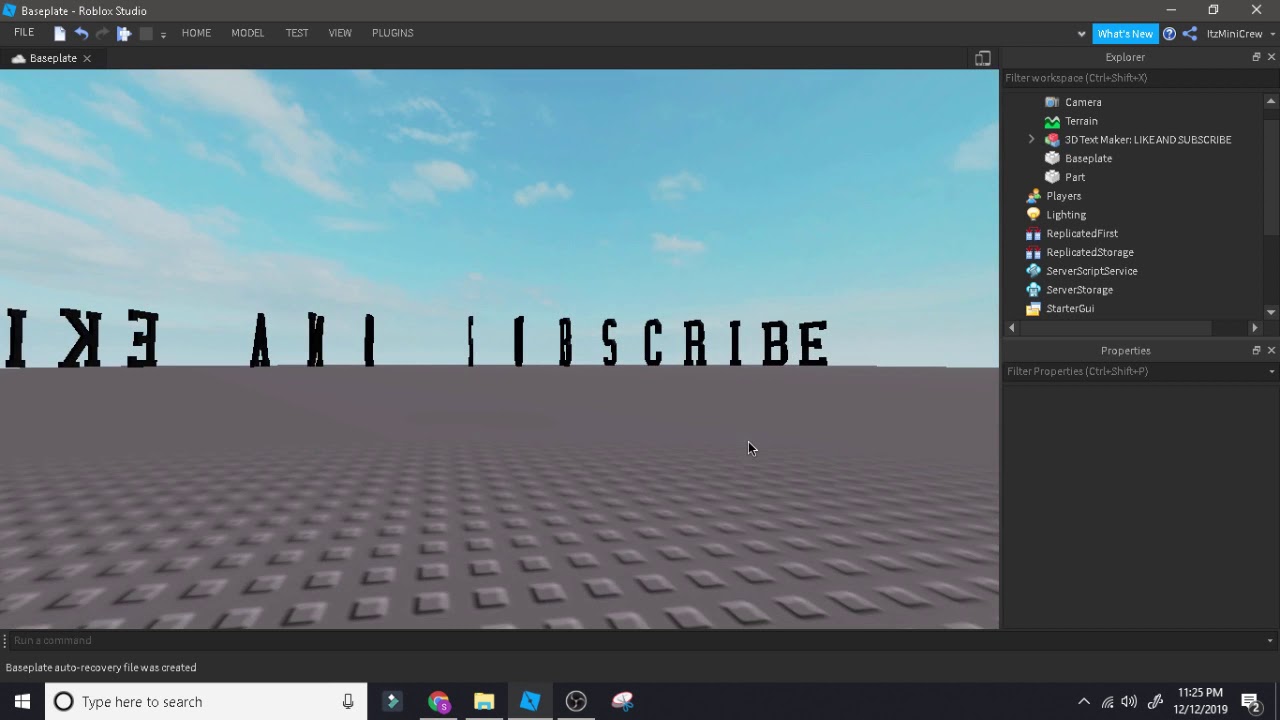


How To Make 3D Text Roblox Studio At Matthew Wetzel Blog . How To Make A 3d Text Under A Minute Roblox Studio YouTube . How To Add Text To A Part In Roblox Studio Tech How 6 Add Text Label. Easy Roblox Studio Tutorial How To Create Text Decal And Texture . How To Make A 3D Text In Roblox Studio YouTube
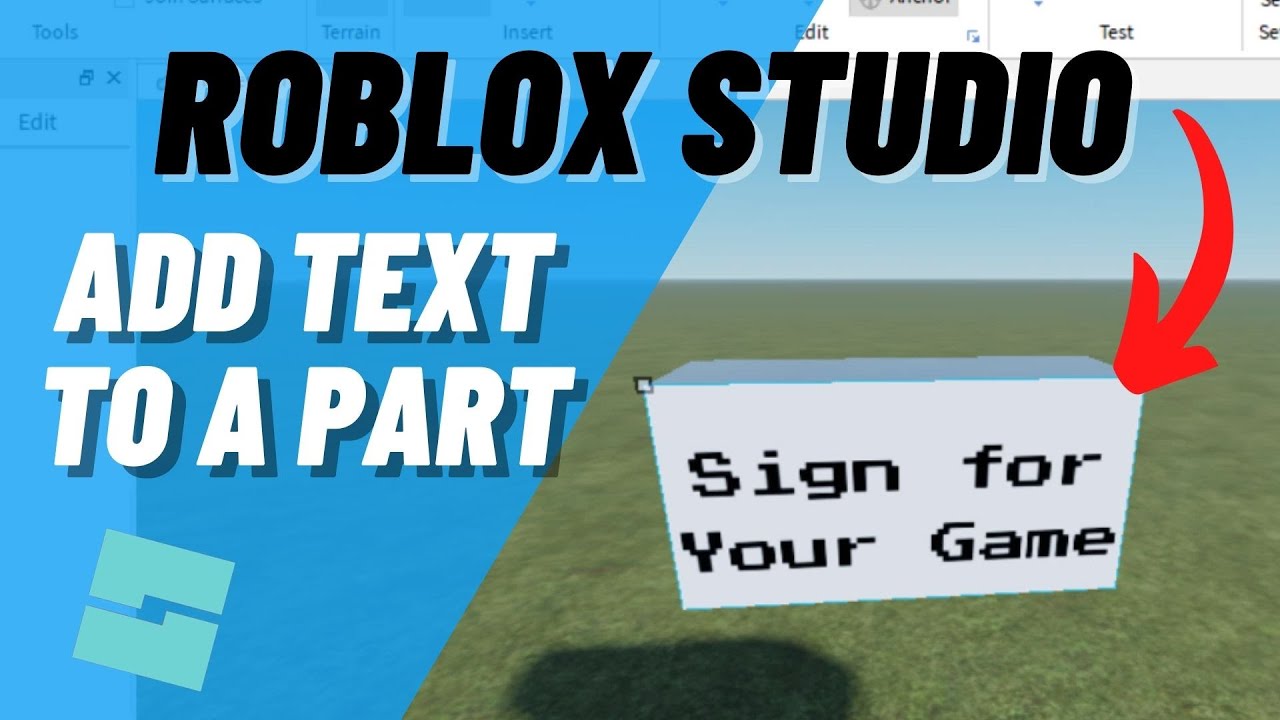



Roblox Studio How To ADD TEXT To A Part And Make A Sign YouTube . How To Add Text In A Part In Roblox Studio YouTube . How To Add Text To A Part In Roblox Studio Make A Sign YouTube . How To Make Sign Text Roblox Studio Tutorial YouTube . 2026 How To Display A Text Label On Player S Screen When A Part Is Hqdefault


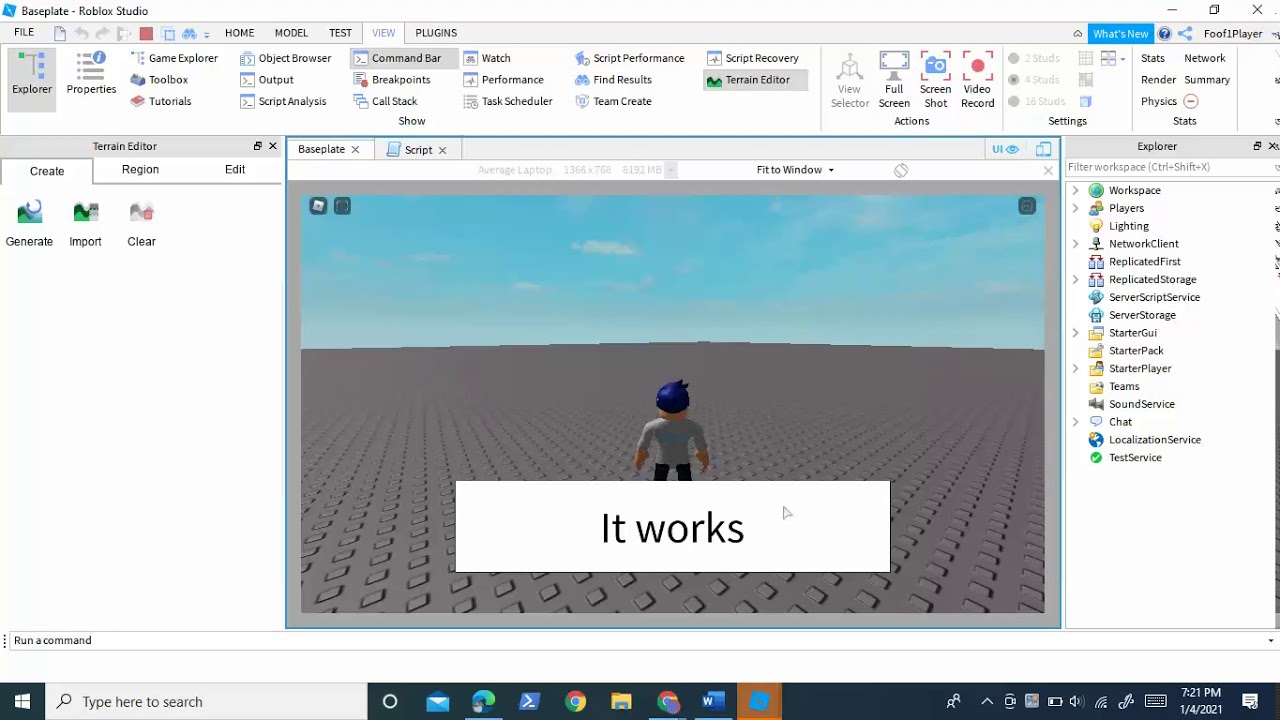

How To Add Text Into A Part In Roblox Studio YouTube . How To Make 3D Text Roblox Studio At Matthew Wetzel Blog . Roblox Studio 3D Text H Ng D N T O V T Y Ch Nh V N B N 3D Cho Tr . How To Make Text Change And Loop With A Script In Roblox Studio YouTube . How To Make 3D Text In Roblox Easily YouTube
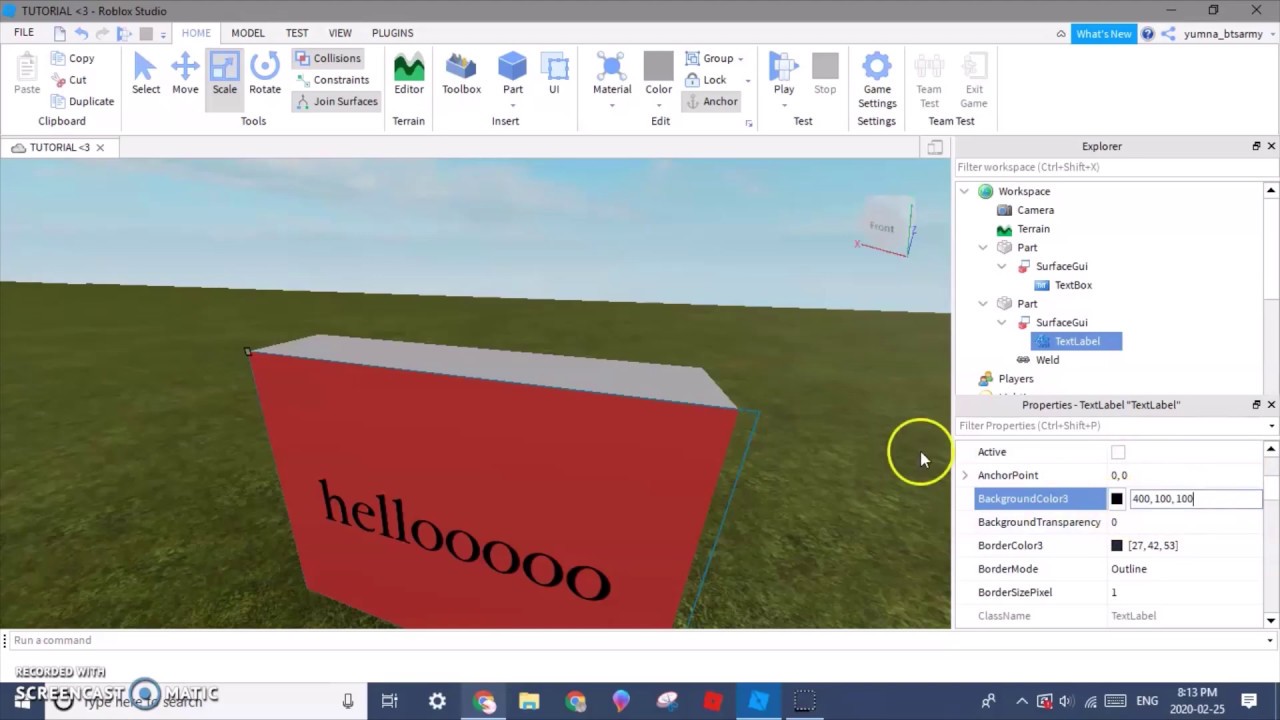


How To Add Text On A Part In Roblox Studio YouTube . Roblox Studio HOW TO MAKE 3D TEXT Plugin R . How To Add TEXT To A PART Roblox Studio YouTube . How To Make 3D Text Roblox Studio At Matthew Wetzel Blog . Roblox Studio Chat H Ng D N V M O Th C H Nh




HOW TO MAKE AN ANIMATED TEXT IN ROBLOX STUDIO 2020 EASY YouTube . How To Change Time Roblox Studio At Samantha Tomlinson Blog . How To Message On Roblox 2026 A Quick Guide . How To Make A Roblox Game In 2026 Beginner Guide How To Make A Roblox Game In 2026 Beginner Guide 1024x683 . How To Make Fog In Roblox Studio For 2026 A Quick Guide




How To Message On Roblox 2026 A Quick Guide . How To Make Floating Text In ROBLOX Studio YouTube . Roblox Studio Game Creator Roblox Studios Download CPHBOU Roblox Studio How To Play Roblox Studio For Windows . How To Add Text To A Sign On Roblox Studio YouTube . How To Make Global Messages In Roblox Studio YouTube