Navigating the world of gaming hardware can feel like a boss battle especially when you are trying to find the best memory for gaming This comprehensive guide cuts through the tech jargon to deliver practical actionable advice on selecting the ideal RAM for your setup Whether you are building a new rig upgrading an old one or just curious about how memory impacts your favorite titles we have got you covered We will explore key considerations like speed capacity and latency helping you make an informed decision that balances performance with your budget From understanding DDR generations to optimizing XMP profiles this article provides clear insights for busy gamers looking to maximize their experience without unnecessary hassle Get ready to elevate your gameplay and ensure your system runs smoothly even during the most intense gaming sessions
What exactly does RAM do for my gaming PC?
RAM, or Random Access Memory, acts as your computer's ultra-fast short-term memory, storing data that your CPU needs to access immediately. For gaming, this means holding game assets like textures, maps, and character models, allowing your processor to fetch them almost instantly. Without sufficient and fast RAM, your CPU would constantly have to pull data from slower storage drives, causing noticeable delays, stutters, and longer loading times that disrupt your immersion and reaction time.
How much RAM capacity is ideal for playing AAA games and streaming simultaneously?
For gamers who also stream their gameplay, manage multiple applications like Discord and web browsers, or dabble in content creation, 32GB of RAM is highly recommended as the ideal capacity. While 16GB can handle most AAA games alone, adding the demands of streaming software, overlays, and other background tasks will quickly push 16GB to its limits, leading to performance drops and an overall less smooth experience. With 32GB, you ensure ample headroom for all your gaming and multitasking needs.
Is it worth investing in high-speed RAM like DDR5-6000MHz or faster for competitive gaming?
Yes, investing in high-speed RAM, particularly DDR5-6000MHz or faster with tight timings, can be highly beneficial for competitive gaming, especially when paired with a high refresh rate monitor and a powerful CPU. Faster RAM reduces latency and improves minimum frame rates, which can provide a slight edge in competitive titles where every millisecond counts. It allows your system to feed data to your CPU and GPU more efficiently, minimizing micro-stutters and ensuring a more consistent, responsive experience.
Can older CPUs fully utilize the performance benefits of new, faster DDR5 RAM?
No, older CPUs are generally not compatible with DDR5 RAM. DDR5 requires a motherboard with DDR5 slots and a CPU specifically designed to support the DDR5 memory standard, such as Intel's 12th Gen (Alder Lake) and newer, or AMD's Ryzen 7000 series and newer. Even if an adapter existed, an older CPU's memory controller would not be able to fully utilize the increased speeds and architectural benefits of DDR5, meaning you wouldn't see the intended performance improvements.
What are the common mistakes gamers make when buying or upgrading their RAM?
Common mistakes include not checking motherboard compatibility for DDR generation or maximum speed, buying a single stick instead of a dual-channel kit (e.g., 1x16GB instead of 2x8GB), forgetting to enable XMP/EXPO in the BIOS, mixing unmatched RAM modules (different speeds or brands), and overspending on excessively high capacity or speed when it won't offer real-world gaming benefits for their specific setup. Many gamers also neglect latency, focusing only on MHz, missing a crucial performance factor.
How can I tell if my current RAM is a bottleneck for my gaming performance?
You can identify a RAM bottleneck by monitoring your system's performance while gaming. Use tools like Task Manager (Windows) or MSI Afterburner to observe RAM usage. If your RAM utilization consistently hits 90-100% during gameplay, or if you experience frequent stuttering, longer-than-expected load times, and general system sluggishness, especially when opening multiple applications, then your RAM is likely a bottleneck. Upgrading your capacity or speed would then significantly improve your gaming experience.
Beyond gaming, how does good memory benefit a busy gamer's everyday PC use?
For busy gamers who balance work, family, and life, good memory extends its benefits far beyond just gaming. Ample and fast RAM ensures smoother multitasking, allowing you to seamlessly switch between work applications, numerous browser tabs, video calls, and then jump straight into a game without slowdowns. It accelerates content creation tasks like video editing, photo manipulation, and graphic design, making your PC more responsive and productive throughout your day. Good memory reduces overall system frustration, providing a reliable and efficient computing experience for all aspects of your digital life.
Ever feel that frustrating stutter or those agonizingly slow loading screens right when you are about to drop into your favorite game? You are not alone. For many US gamers, balancing a busy life with a passion for digital worlds means every second of playtime counts. When your system lags, it is not just annoying; it eats into that precious escape time, turning relaxation into irritation. With roughly 87% of US gamers engaging regularly, spending an average of 10+ hours a week, and a growing trend towards social, immersive, and even competitive play, performance is key. Mobile gaming continues its dominance, yet PC and console cross-play experiences demand seamless performance. This month, major titles and new hardware push the limits, making the choice of the best memory for gaming more critical than ever.
You might have a killer graphics card and a speedy processor, but if your RAM, or Random Access Memory, isn't pulling its weight, your entire gaming experience can suffer. RAM acts as your system's short-term memory, holding data that your CPU needs to access quickly. Think of it like your desk while you are working: the bigger and more organized your desk, the more tasks you can juggle simultaneously without having to constantly run to the filing cabinet. For gamers, this means faster load times, smoother frame rates, and more responsive gameplay, especially when multitasking, streaming, or diving into graphically intensive worlds. This guide will cut through the tech jargon to help you choose, install, and optimize the best memory for your gaming rig, ensuring your valuable gaming time is spent playing, not waiting.
Why is the best memory for gaming so important for performance?
The best memory for gaming is crucial because it directly influences how quickly your system can access and process game data. When your RAM is insufficient or too slow, your CPU has to rely more on slower storage drives, causing frustrating delays and performance bottlenecks. This can manifest as longer loading screens, noticeable stuttering during intense action, or even lower overall frame rates, especially in open-world games or titles with many on-screen assets. Modern games are resource-hungry, constantly swapping textures, character models, and environmental data. Fast, ample RAM ensures your CPU gets this data instantly, keeping your gameplay smooth and responsive.
Many busy gamers, often juggling jobs and families, value every minute of their limited gaming time. Stuttering or slow loading times can quickly turn a fun escape into a frustrating chore. Optimized RAM contributes significantly to that seamless, immersive experience you crave, allowing you to focus on the game itself, whether you are building skills, socializing with friends on Discord, or unwinding after a long day.
What RAM capacity (GB) is truly needed for modern gaming?
For most gamers in 2026, 16GB of RAM is considered the absolute minimum sweet spot for a smooth gaming experience. This capacity comfortably handles the majority of current AAA titles without significant performance hitches. However, if you are a multi-tasker who likes to stream gameplay, have dozens of browser tabs open, or run other demanding applications simultaneously, then 32GB of RAM is becoming the new recommended standard. This extra headroom prevents your system from hitting its memory limit, ensuring consistent performance even under heavy loads.
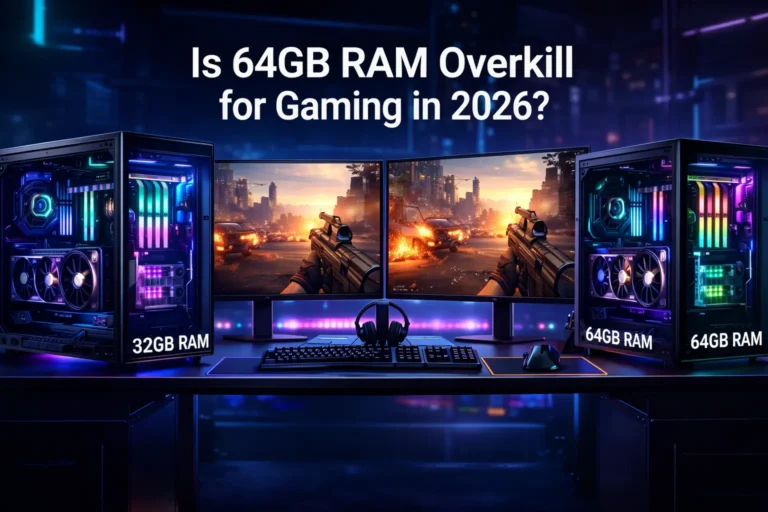
While 64GB or more RAM exists, it is generally overkill for pure gaming and offers negligible performance benefits unless you are involved in professional content creation, heavy virtualization, or very specialized tasks beyond just playing games. For the average gamer looking for value and performance, sticking with 16GB or 32GB is the smart play.
How does RAM speed (MHz) impact my gaming experience?
RAM speed, measured in Megahertz (MHz), dictates how many data cycles your RAM can complete per second. Higher speeds mean faster data transfer, which can translate to better frame rates and overall system responsiveness in games, particularly those that are CPU-bound or utilize large assets. While not as impactful as a powerful GPU or CPU, faster RAM can provide a noticeable uplift, especially for modern processors that benefit from quicker memory access. For example, moving from 2400MHz to 3600MHz (DDR4) or 4800MHz to 6000MHz+ (DDR5) can yield a few extra frames per second and improve minimum framerates, leading to a smoother experience.
It's crucial to check your motherboard and CPU compatibility when choosing RAM speed. Most motherboards have a maximum supported RAM frequency, and your CPU's memory controller also plays a role. Always aim for the fastest speed your system can reliably support and that fits your budget.
What about RAM latency (CL) and its role in gaming?
RAM latency, often expressed as CAS Latency (CL), refers to the delay in clock cycles between when the RAM controller requests data and when the data becomes available. Lower CL numbers indicate lower latency, meaning faster access to data. While RAM speed (MHz) is about throughput, latency is about responsiveness. For gaming, both speed and latency work together. A higher speed with lower latency is the ideal combination. For example, DDR4-3600 CL16 is generally preferred over DDR4-3600 CL18 because the lower latency means data is accessed slightly quicker, which can contribute to a snappier feel and potentially better minimum frame rates.
When comparing RAM kits, it is common to see a trade-off: higher speeds often come with slightly higher latencies. The sweet spot often lies in balancing these two. Many gaming enthusiasts consider a good balance for DDR4 to be around 3200MHz to 3600MHz with CL16 or CL18, while for DDR5, 6000MHz to 6400MHz with CL30-CL32 is currently a strong performer offering excellent responsiveness without breaking the bank.
DDR4 vs DDR5 RAM: Which generation is best for gamers in 2026?
In 2026, the landscape is clearly shifting towards DDR5 RAM for new PC builds. DDR5 offers significant improvements over DDR4, including higher base clock speeds, increased bandwidth, better power efficiency, and new architecture that enhances error correction and overall efficiency. While early DDR5 kits often came at a premium and offered only marginal real-world gaming benefits over optimized DDR4, prices have stabilized, and speeds have matured. Today's DDR5 modules, especially those around 6000MHz to 6400MHz with tight timings, deliver a noticeable performance edge in demanding games and applications.
If you are building a brand new high-end gaming PC, especially with current generation Intel or AMD CPUs that fully support DDR5, it is the clear choice for future-proofing and maximizing performance. However, if you already have a DDR4-compatible motherboard and CPU, upgrading to the fastest available DDR4 kit (e.g., 3600MHz CL16) can still provide excellent gaming performance without the need for an expensive platform overhaul. The "best" depends on your existing setup and budget.
How do I check my motherboard's RAM compatibility and limits?
Checking your motherboard's RAM compatibility is a critical step before making any purchase. You can find this information in your motherboard's user manual or by looking up its specifications on the manufacturer's website. Key things to look for include:
- RAM Type: Does it support DDR4 or DDR5?
- Maximum Capacity: What is the total GB of RAM it can support across all slots?
- Maximum Speed (MHz): What is the highest RAM frequency it officially supports, often listed with an OC (overclocked) specification?
- Number of Slots: Typically 2 or 4 slots for consumer motherboards.
Using tools like CPU-Z or simply checking your system information can tell you what RAM you currently have. Websites like PCPartPicker are also invaluable for building a compatible system, as they automatically flag potential conflicts. Always ensure the RAM you buy matches the DDR generation and does not exceed the maximum supported speed or capacity of your motherboard to avoid stability issues or wasted money.
Is XMP a must-have feature for optimizing gaming RAM?
Yes, XMP (Extreme Memory Profile), or DOCP/EXPO for AMD systems, is absolutely a must-have feature for optimizing gaming RAM. RAM modules are typically rated for higher speeds than their JEDEC (standard) default. When you first install new, fast RAM, your system will likely default to a much lower, stable speed, such as 2133MHz or 2400MHz. XMP is a pre-defined profile stored on the RAM module that tells your motherboard how to configure the RAM to run at its advertised speed and timings with a single click in the BIOS.
Without enabling XMP, you are leaving significant performance on the table. It is essentially buying a sports car and only driving it in first gear. Activating XMP unlocks the full potential of your gaming RAM, ensuring you get the speed and latency you paid for. It is usually a straightforward setting within your motherboard's BIOS/UEFI. This simple step can dramatically improve your in-game performance and responsiveness.
Can upgrading my RAM fix my game stuttering and loading times?
Upgrading your RAM can absolutely fix game stuttering and improve loading times, but it depends on what is currently causing the problem. If your system is frequently hitting its RAM capacity limit (e.g., constantly using 90-100% of your 8GB RAM), then upgrading to 16GB or 32GB will likely provide a significant improvement. When RAM runs out, your system starts using your slower storage drive as virtual memory, which is much slower and leads to stuttering and long load times.
However, if your CPU or GPU is the primary bottleneck, simply adding more or faster RAM might offer only marginal gains. It is important to diagnose the real issue. You can use task manager or monitoring software to check your RAM usage while gaming. If it is consistently high, then a RAM upgrade is a highly effective solution. For many busy gamers who experience random hitches, especially with numerous background apps or while streaming, a RAM upgrade offers an immediate and tangible benefit to overall system fluidity and responsiveness.
What are the best budget-friendly memory kits for gaming?
Finding the best memory for gaming on a budget in 2026 means looking for a sweet spot between performance and cost, especially for the average gamer who values value for money. For DDR4 systems, 16GB (2x8GB) kits at 3200MHz CL16 or 3600MHz CL18 often offer the best bang for your buck. Brands like G.Skill Ripjaws V, Corsair Vengeance LPX, TeamGroup T-Force Vulcan Z, or Crucial Ballistix (if you can find them) are reliable choices. These speeds provide excellent performance that rivals higher-priced options for most games, and the lower capacity keeps costs down without sacrificing much.
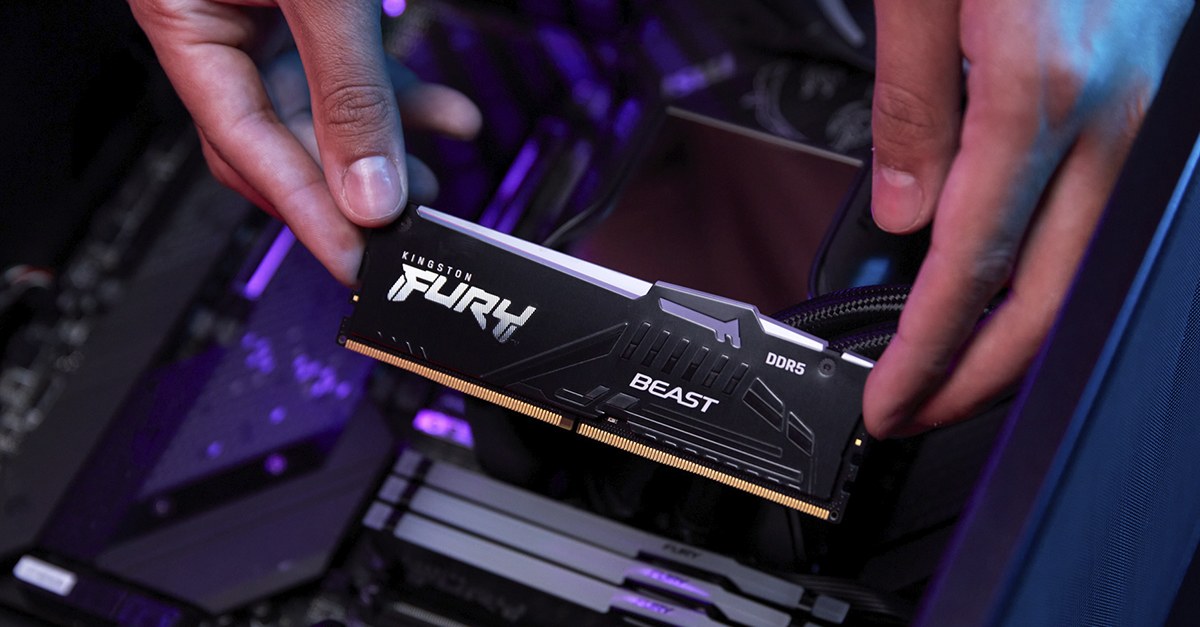
For DDR5 systems, budget-friendly options typically start with 32GB (2x16GB) kits around 5600MHz to 6000MHz with CL36-CL40 timings. While initially more expensive than DDR4, these kits have seen price drops this month, making them more accessible. Look for sales from brands like TeamGroup T-Force Delta, Kingston Fury Beast, or Corsair Vengeance. Prioritizing 32GB at a moderate DDR5 speed is often a smarter investment than getting a faster but smaller 16GB DDR5 kit, as 32GB offers better longevity and multitasking capabilities.
How much RAM is enough if I also stream or multitask?
If you are a gamer who regularly streams on platforms like Twitch or YouTube, or if you frequently multitask with numerous applications open alongside your game (think Discord, web browsers with many tabs, video editing software, or even a virtual machine), then 32GB of RAM is highly recommended. While 16GB can sometimes scrape by, you will often find yourself hitting memory limits, leading to stutters, encoder drops, and overall system sluggishness. Streaming software, game overlays, and other applications all consume significant amounts of RAM.
Having 32GB provides ample headroom, allowing your game, streaming software, and other essential applications to run smoothly without competing for vital memory resources. This ensures a much more stable and enjoyable experience for both you and your viewers. For most content creators or serious multitaskers, 32GB offers the perfect balance of performance, stability, and value, preventing those frustrating moments where your system can't keep up with your creative ambitions.
When should I consider upgrading my current gaming RAM?
Consider upgrading your gaming RAM if you experience any of the following:
- Constant Stuttering or Freezes: Especially if accompanied by high RAM usage warnings from your operating system.
- Slow Game Loading Times: Significantly longer than what benchmarks or friends with similar systems experience.
- Frequent Application Crashes: Particularly when multiple programs are open or during intense gaming sessions.
- Insufficient Capacity: If you are still running 8GB of RAM, an upgrade to 16GB or 32GB is almost certainly due.
- Platform Upgrade: If you are upgrading your CPU and motherboard to a new generation (e.g., from an older Intel/AMD platform to one supporting DDR5), you will need to get new RAM that matches the new standard.
- Multitasking Demands: If you've started streaming, video editing, or running more complex applications alongside your games, your current RAM might be falling short.
A RAM upgrade is often one of the most straightforward and impactful hardware changes for improving overall system fluidity, especially if your current capacity or speed is a clear bottleneck.
Are there specific RAM brands or features gamers should look for?
While many RAM brands produce quality modules, some have a stronger reputation among gamers for performance, reliability, and support. Popular and reliable brands include:
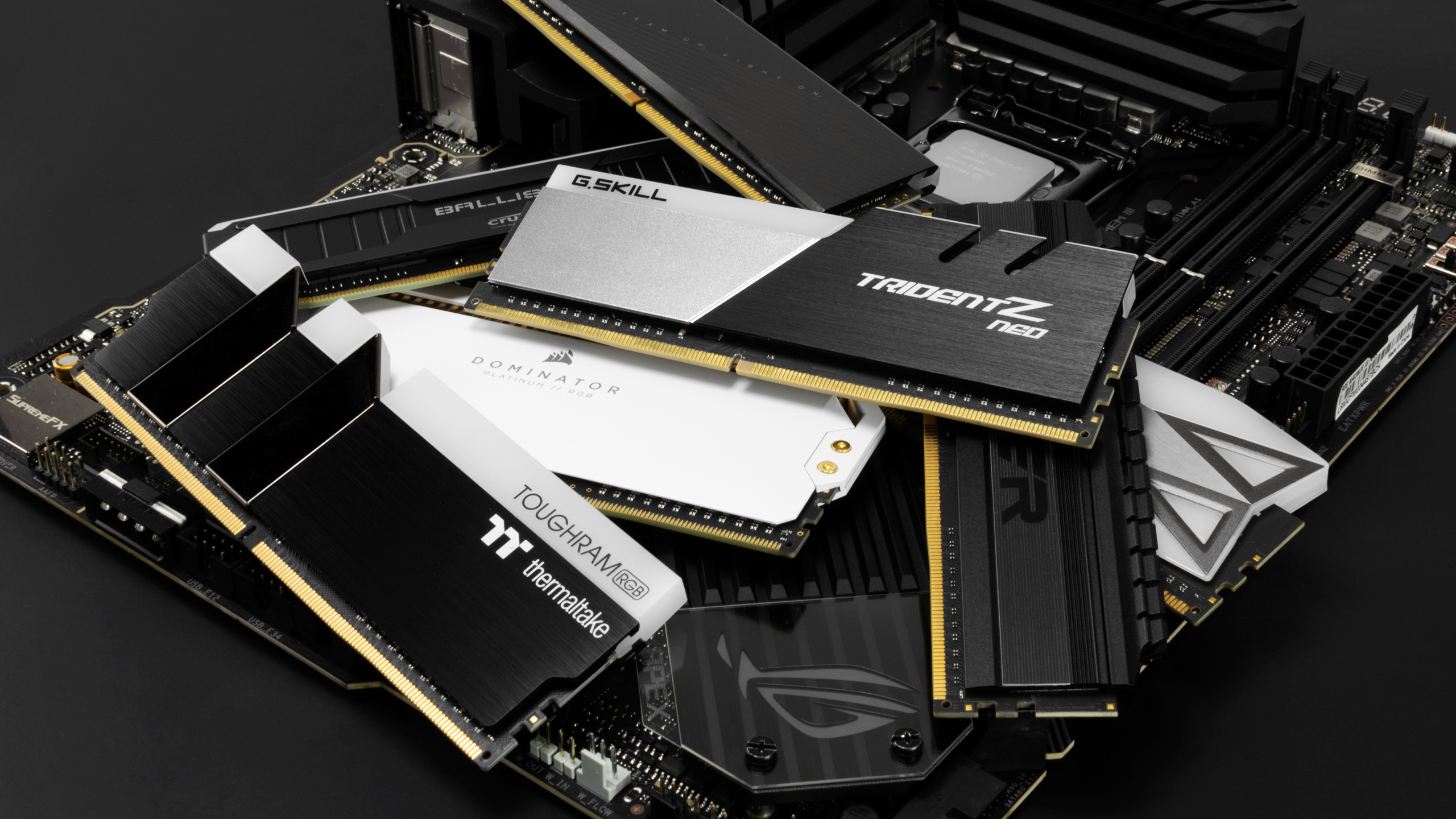
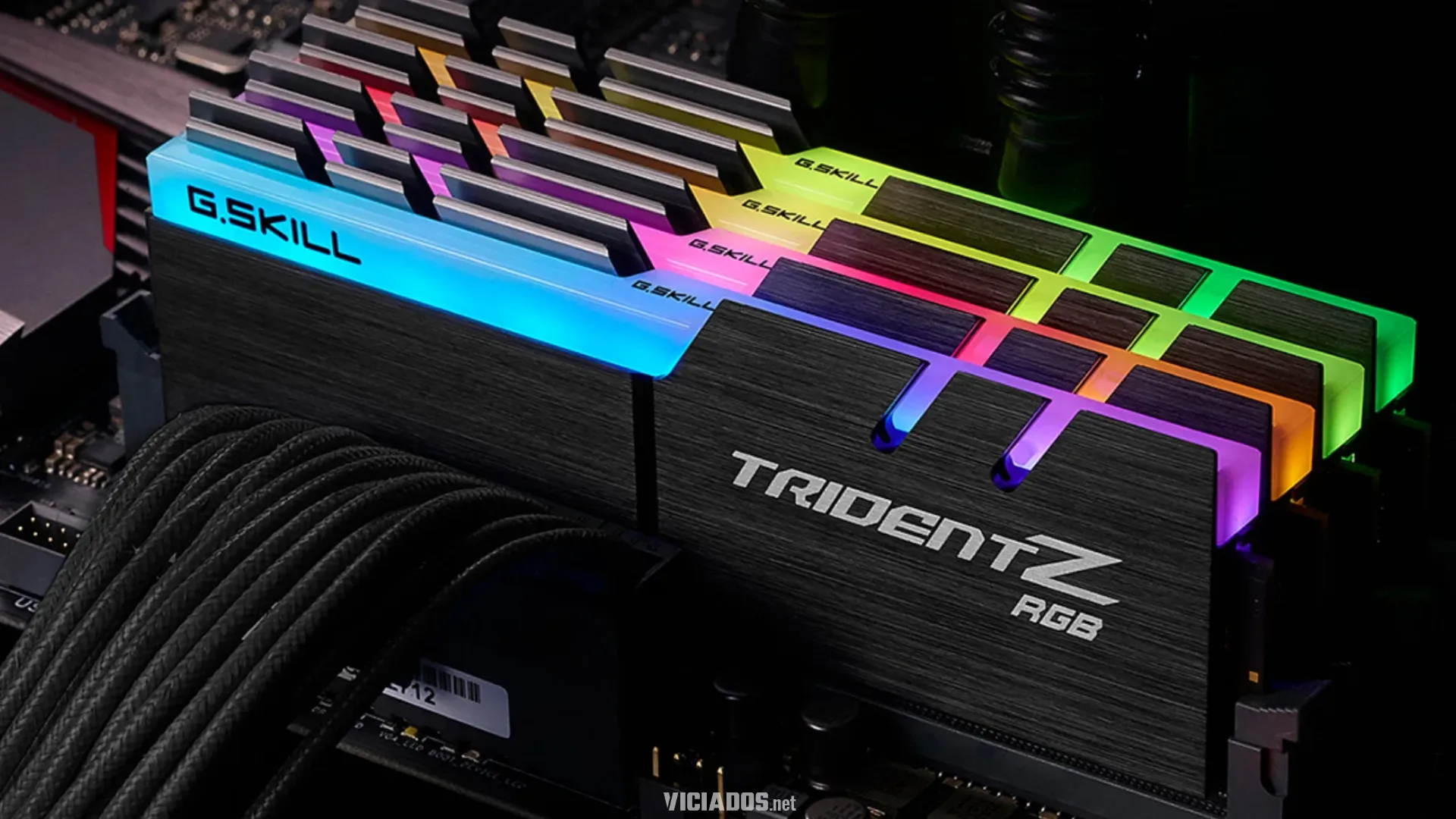
- G.Skill: Known for high-performance, aesthetically pleasing kits (Trident Z series).
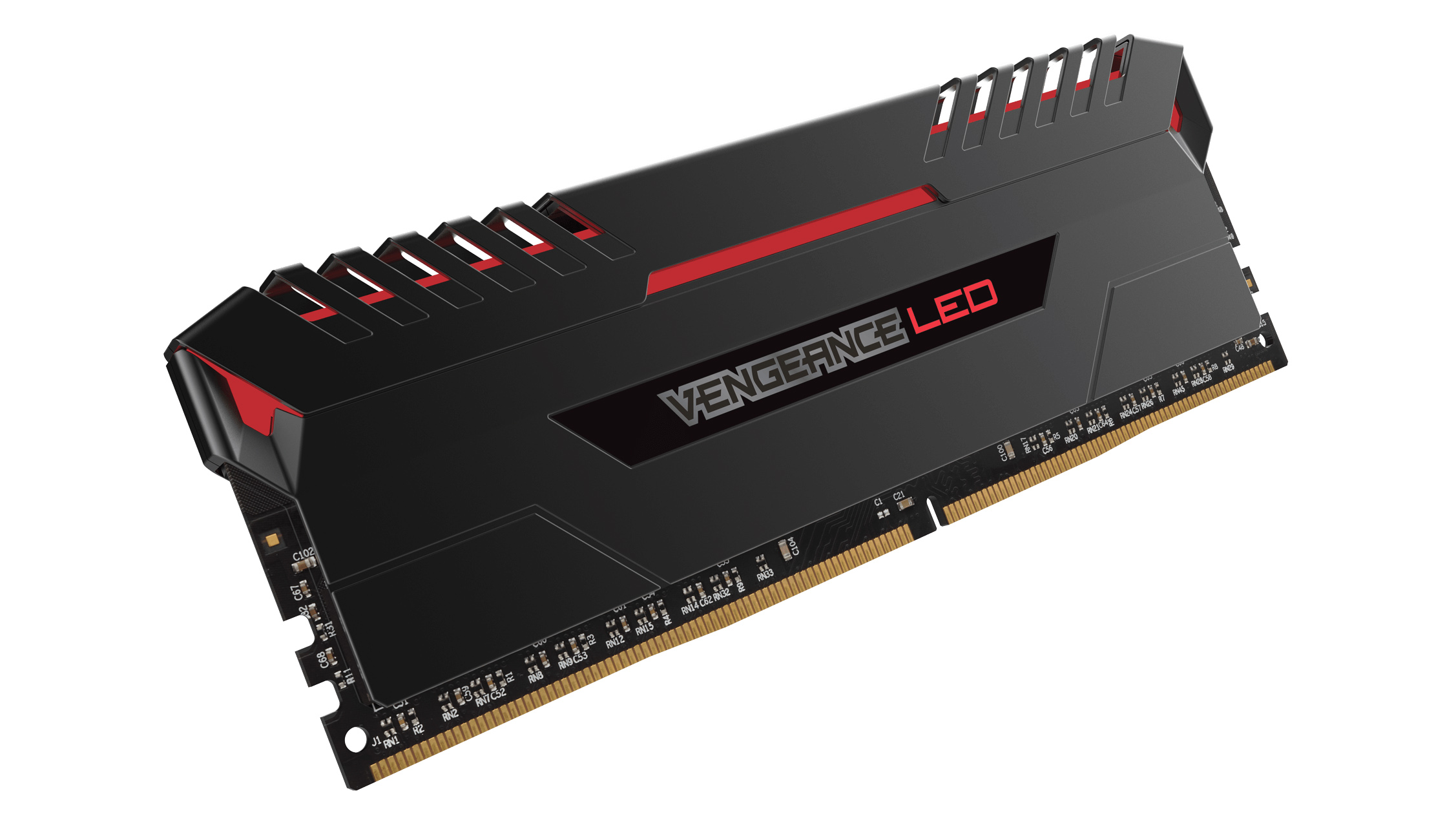
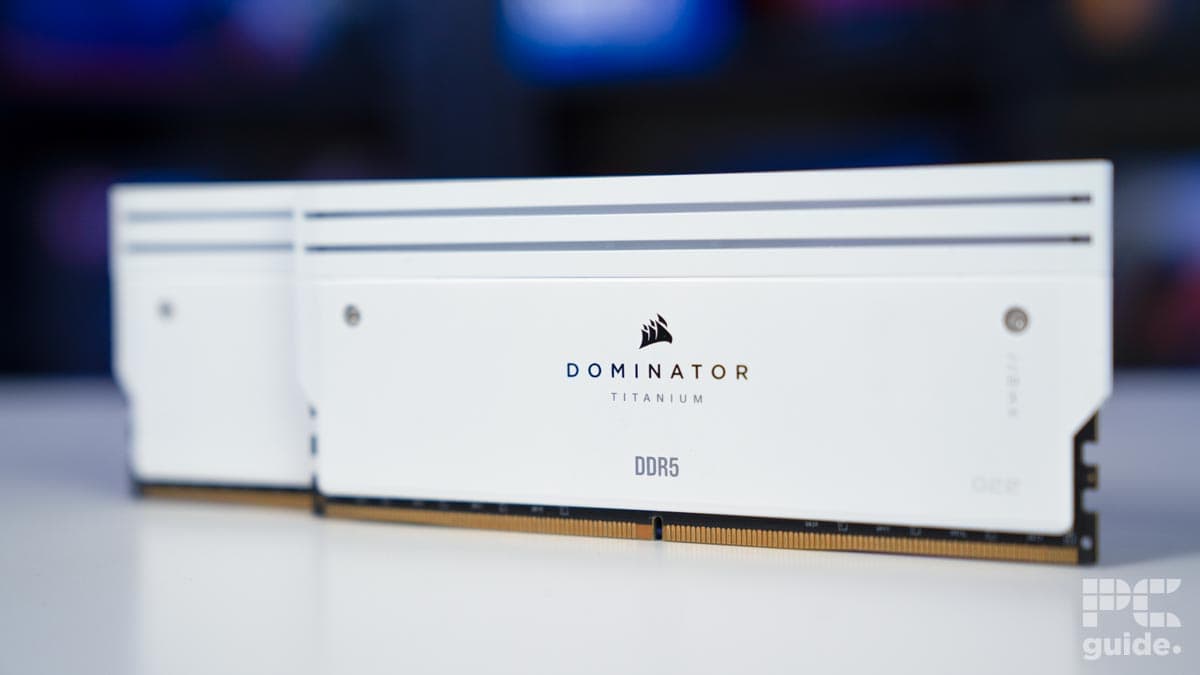
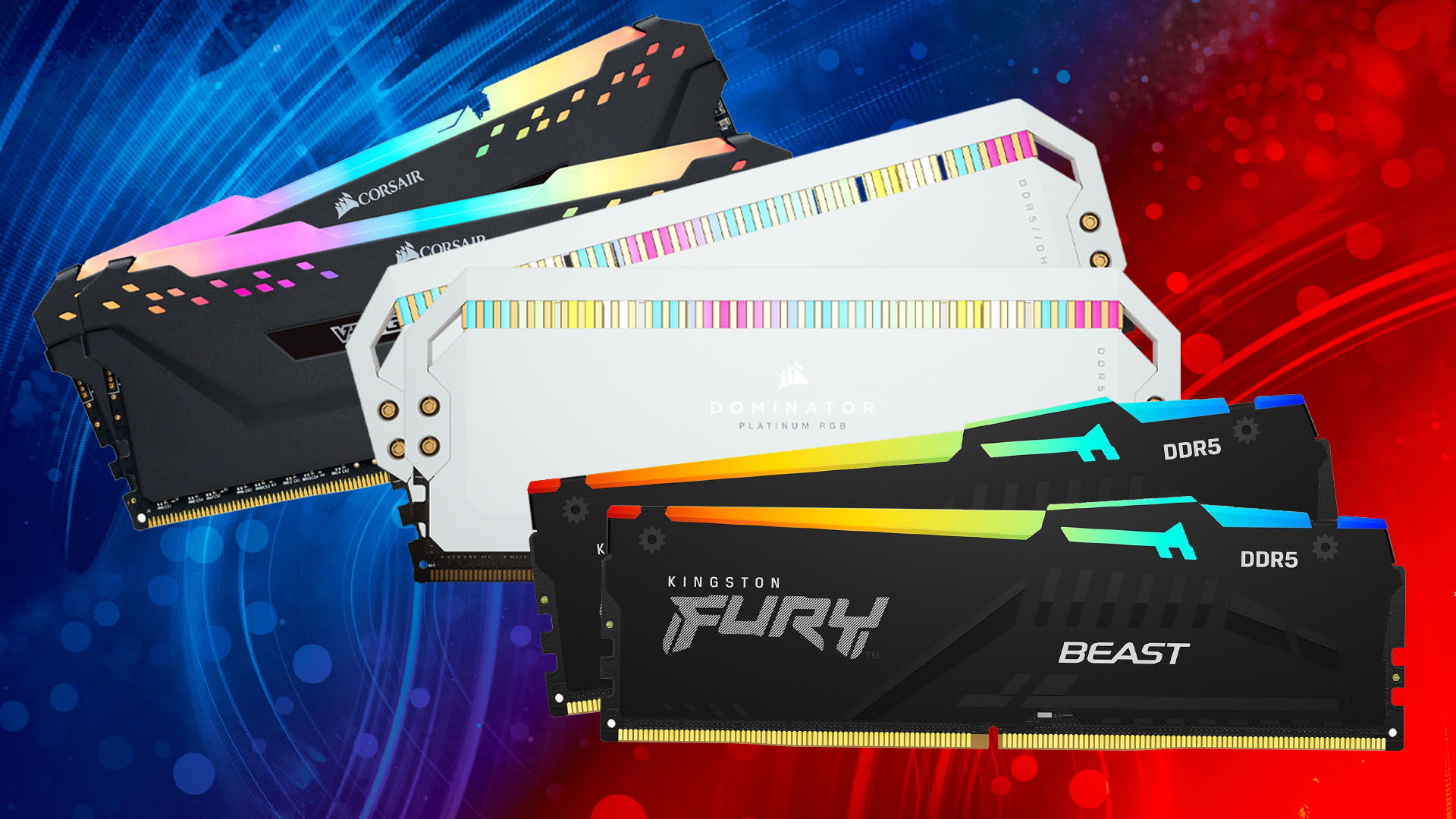
- Corsair: Offers a wide range from budget-friendly to enthusiast-grade (Vengeance, Dominator Platinum).
- Kingston (Fury): Reliable performance, often a safe bet for compatibility.
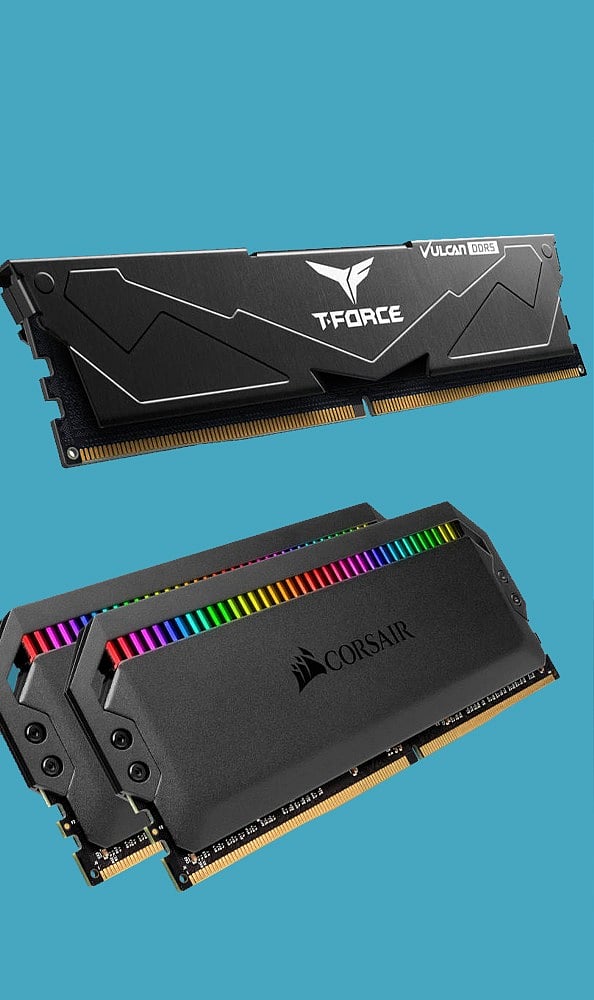
- TeamGroup: Provides excellent value, especially their T-Force series.
- Crucial: Often offers strong JEDEC performance and good value.
Beyond brand, look for these features:
- Heat Spreaders: Essential for dissipating heat, especially in overclocked or high-speed modules.
- RGB Lighting: A purely aesthetic choice, but popular for custom builds.
- XMP/EXPO Profiles: Ensures easy access to advertised speeds.
- Dual Channel Kits: Always buy RAM in matched pairs (2x8GB, 2x16GB) to leverage dual-channel memory architecture for better performance.
Choosing a reputable brand and focusing on capacity, speed, and latency with XMP support will set you up for success in your gaming endeavors.
Conclusion
Choosing the best memory for gaming might seem like a small piece of the puzzle, but it is a foundational one that significantly impacts your entire experience. From ensuring buttery-smooth frame rates to eliminating frustrating load times, the right RAM allows your high-end CPU and GPU to truly shine. We have covered why it matters, how much you need, the impact of speed and latency, and even navigated the DDR4 vs. DDR5 debate for 2026. Remember, for most gamers, 16GB is the minimum, 32GB is ideal for multitaskers, and enabling XMP is non-negotiable for getting the performance you paid for. By making an informed decision, you are not just buying hardware; you are investing in more fun, less frustration, and a truly immersive escape from the everyday grind.
What's your biggest gaming challenge with your current setup? Comment below and let us know! We're here to help you conquer it.
FAQ Section
Is 16GB RAM enough for gaming in 2026?
For most AAA games in 2026, 16GB of RAM is sufficient for a good gaming experience. However, if you multitask, stream, or play very demanding titles, 32GB offers better future-proofing and smoother performance.
Does faster RAM increase FPS?
Yes, faster RAM can increase FPS, especially minimum FPS, in many games, particularly those that are CPU-bound. The performance gains are usually more noticeable with higher-end CPUs and GPUs.
Should I buy 2x8GB or 1x16GB RAM for gaming?
Always opt for 2x8GB (or 2x16GB) to utilize dual-channel memory architecture. This significantly improves memory bandwidth compared to a single stick, leading to better overall gaming performance.
What is the ideal RAM speed for DDR5 gaming?
For DDR5 gaming in 2026, a sweet spot for performance and value is typically 6000MHz to 6400MHz with CAS Latency (CL) of 30-32. This provides an excellent balance of speed and responsiveness.
Is RGB RAM better for gaming?
RGB lighting on RAM is purely an aesthetic feature and has no impact on gaming performance. Choose RGB if you like the look, but prioritize capacity, speed, and latency first.
Can I mix different RAM speeds or brands?
While technically possible, it is highly discouraged. Mixing RAM speeds or brands can lead to instability, compatibility issues, or force all modules to run at the slowest stick's speed. Always use matched kits.
Understanding RAM basics for optimal gaming. Guide to choosing the right RAM speed and capacity. Balancing performance and budget for memory upgrades. Tips for installing and optimizing gaming RAM. Future-proofing your system with smart memory choices. Addressing common gaming performance issues related to RAM. Latest trends in DDR5 and XMP for 2026 gaming.
35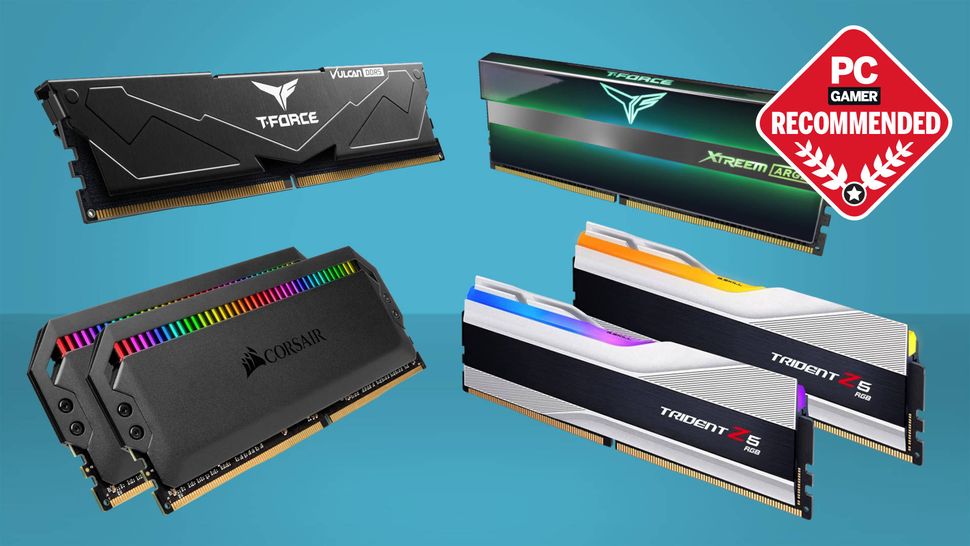
Best RAM For Gaming In 2026 I Ve Tested The Best DDR4 And DDR5 RAM To 970 80 . Best PC Builds For Gaming 2026 From 500 Budgets To 4 000 Tom S . The Best RAM For Gaming In 2026 Performance Prices And The RAM Best RAM In 2026 1 . 12 Best RAM For Gaming June 2026 Expert Reviews Comparisons Featured Image 91alw1kl 300x210 . Le Migliori RAM Del 2026 TechRadar


Best RAM For Gaming 2026 DDR4 Vs DDR5 Guide For Performance And Value DDR5 RAM 1 . Best RAM For Gaming In 2026 Our Top DDR5 And DDR4 Memory Picks PC Guide Corsair Dominator Titanium RGB 64GB 6600MTs CL32 Front Profile Image By PC Guide . Best RAM For Gaming 2026 Best Gaming Ram 550x309 . 2025 S Top RAM For Gaming PCs Best RAM For Video Editing In 2026 . Beste RAM 2026 Riktig Minnebrikke For Din PC TechRadar



Best 32GB DDR5 RAM Kits In 2026 AM5 LG Gaming PC Guru Best Ddr5 6000mhz Ram 2026 400x250 . Best RAM For Gaming Upgrade Your PC And Laptop RAM Lucky Falcon Best 16GB RAM For Gaming . 12 Best DDR5 RAM For Gaming In 2026 Tested Reviewed Best DDR5 RAM For Gaming . 32GB Vs 64GB RAM For Gaming Which One Actually Makes Sense Is 64gb Ram Overkill For Gaming 2026 Featured 1.webp 1. Best 32GB DDR5 RAM For Gaming In 2026 Top 5 Kits Compared Gaming PC Guru Gaming Ram Hero


Best RAM For Gaming In 2024 Best Ram Gaming Vengeance Rgb Ddr5 . Best Gaming PC For Under 500 In 2026 Exp Gaming PC Guru Best Gaming Computer Memory Featured 800x500 . Best DDR4 RAM For Gaming Budget Builds In 2026 Pcwizardhub Com Best DDR4 RAM For Gaming Budget Builds In 2025 . Best RAM For Gaming 2026 DDR5 Speed T Gaming PC Guru Best Ram For Gaming Featured . Best Computer RAM For Gaming 2026 DDR5 Vs Gaming PC Guru Best Computer Ram For Gaming Featured



2026 Gaming RAM Upgrade Guide Selecting The Best Speed And Capacity Best Ram For Gaming 2026 En . 10 Best Memory Cards March 2026 Top Tested VVN News Best Memory Cards . Best RAM For Gaming In 2026 DDR4 DDR5 For PC Hone Blog Best RAM For Gaming In 2026 DDR4 DDR5 For PC . Memory For Pc Gaming At Williams Abney Blog Best Ram Gaming Memory . Best Computer Ram For Gaming At Zane Bussell Blog Best Ram Gaming



10 Much Awaited Games Set To Launch In 2026 Games To Launch 2026 1536x967 . 2026 8 16 32 Ktc Opengraph Blog Gaming The Ultimate Ram Guide For Gamers . Best Budget Gaming GPU 2026 Top Picks Under 200 Switchblade Gaming Best Budget Gaming Gpu 2026 Intext Budget Gpu. Ram 1500 Canyon Lake Color 2026 What Is Ram And How Does It Affect Your Ram 2 . Gaming RAM In 2026 XMP 3 0 AMD EXPO And How To Choose 5.3 1024x572


Mem Ria RAM T O Cara Que J Supera O Pre O Do PS5 E Xbox Series E Pode Memoria RAM PC Windows Xbox PlayStation 2026.webp. Top 10 RAM Kits For Gaming PCs In 2025 List Of The Top RAM Kits Boosting Gaming Performance . 12 Best Memory Card March 2026 Complete Guide Best Memory Card . 7 Best DDR4 Budget Gaming RAM Kits Affordable High Performance Ram . Mejor RAM Para Gaming En 2026 Estados Unidos DDR4 Vs DDR5 Mejor Ram Para Gaming 2026 Ddr5 32gb